
How to Close a Coinbase Account and Withdraw Your Money First
Learn how to withdraw your funds, resolve account issues, and permanently close your Coinbase account safely and efficiently.
The Delete Account category provides simple and practical guides that help users understand how to permanently delete their accounts from various websites, apps, and online platforms. Many services make the account removal process confusing or difficult to find, which is why our guides focus on clear step-by-step instructions, privacy tips, and important things to check before deleting an account. Whether you want to remove an unused profile, protect your personal data, or reduce your digital footprint, this section helps you safely close accounts and manage your online presence more effectively.
Learn how to withdraw your funds, resolve account issues, and permanently close your Coinbase account safely and efficiently.

Learn how to cancel DashPass, review important account details, and request permanent DoorDash account deletion before you leave the service.
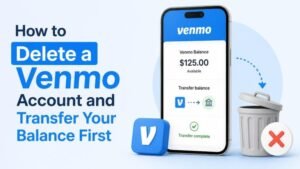
Learn how to transfer your Venmo balance, resolve pending activity, and permanently close your Venmo account with a careful step-by-step checklist.

Learn how to cancel Uber One, download important account information, and permanently delete your Uber account before moving on from the service.
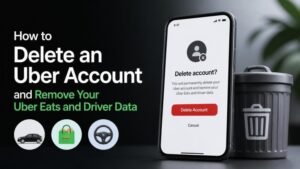
Learn how to delete your Uber account and request removal of associated Uber Eats and driver data, including important steps to take before submitting your request.

Learn how to cancel Spotify Premium, preserve playlists and account data, download what you can, and permanently delete your Spotify account with fewer surprises.

Learn how to save your YouTube videos, verify your account data, and permanently delete a YouTube channel without losing important content by mistake.
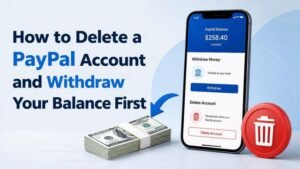
Learn how to withdraw your PayPal balance, resolve pending transactions, download important records, and safely close your PayPal account without unnecessary problems.

Learn how to permanently delete your Pinterest account, download or preserve your boards first, and avoid losing Pins, followers, and saved ideas by mistake.
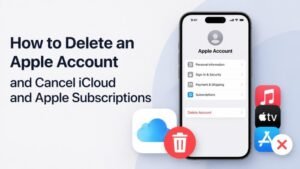
Learn how to cancel Apple subscriptions, downgrade or cancel iCloud+, back up your data, and permanently delete your Apple Account without losing access unexpectedly.