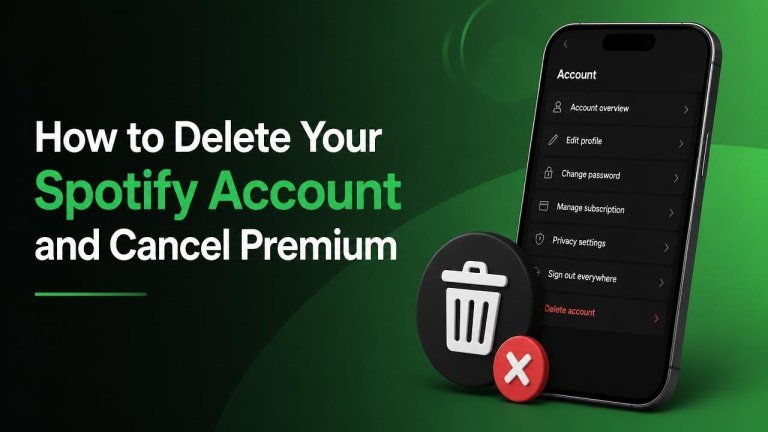
Closing Spotify can mean two different things: canceling Premium while keeping a free account, or permanently closing your account. If you want to stop charges but keep your playlists and listening history, cancel the subscription only. If you no longer want to use Spotify, complete the Spotify account deletion process after canceling any active plan.
Cancel Spotify Premium
Before deleting your account, check whether you only need to stop the subscription. Canceling Premium usually leaves your playlists, saved music, and account access available on Spotify’s free plan.
Cancel Premium on the Spotify website
Use a web browser rather than relying on the mobile app, because subscription management may be handled through your account page.
- Sign in to your Spotify account.
- Open your Account or Subscription settings.
- Find the option to manage or change your plan.
- Select the option to cancel Premium and continue through the confirmation steps.
- Check your account page for the updated plan status and end date.
Premium features normally remain available until the end of the current paid period. The exact timing can depend on your billing arrangement, so use the confirmation shown in your account as the reference.
Cancel a subscription billed by another company
If Spotify does not show a direct cancellation option, your subscription may be billed through a mobile app store, internet provider, or another partner. In that case, cancel it through the company that processes the payment.
- For an Apple-billed subscription, manage it through your Apple subscriptions settings.
- For a Google-billed subscription, manage it through Google Play subscriptions.
- For a partner-billed subscription, contact or sign in to that provider and follow its cancellation process.
After canceling, confirm that the provider displays a cancellation confirmation and that Spotify no longer shows an upcoming renewal. Uninstalling the app does not cancel a paid subscription.

Delete Your Spotify Account Permanently
Account deletion is more final than canceling Premium. Before continuing, review your playlists, saved content, and any account information you may want to keep. Downloaded offline music is tied to your account and will not remain available after closure. The same distinction applies when reviewing Netflix account deletion steps.
- Sign in to Spotify using a web browser.
- Open Spotify’s official account-closure or support page.
- Choose the option to close your account, not merely cancel Premium.
- Review the information about account deletion and follow the verification steps.
- Confirm the request using the email or account confirmation Spotify provides.
Make sure you are closing the correct account, especially if you have used more than one email address or sign-in method. If the account is part of a family or partner plan, the plan manager may need to handle the subscription separately. Similar care is useful when permanently deleting a Microsoft account.
What Happens After Cancellation or Deletion?
Canceling Premium and deleting an account have different results. After Premium cancellation, your account may continue as a free account after the paid period ends. After account deletion, access to your Spotify profile and associated content is closed according to Spotify’s process.
Save anything important before deletion, including playlist links, personal notes, or information you may need for another music service. If you change your mind, follow Spotify’s instructions promptly, because account-recovery options can depend on the stage of the closure process.
How to Check That Spotify Is No Longer Billing You
Look for a cancellation confirmation, an updated subscription status, and the absence of a future renewal in the billing account you used. Also check your email for a confirmation message, but do not treat deleting the app or removing a payment method as proof that the subscription was canceled.
If a charge appears after cancellation, contact the company that billed you first. Provide the confirmation details and check whether another Spotify account or billing provider is associated with the payment.
Quick Checklist Before You Leave Spotify
- Cancel Premium through Spotify or the billing provider.
- Confirm the plan’s end date and save the confirmation.
- Decide whether to keep a free Spotify account or request permanent closure.
- Review playlists and other content you may want to save.
- Verify that the correct account is being canceled or deleted.