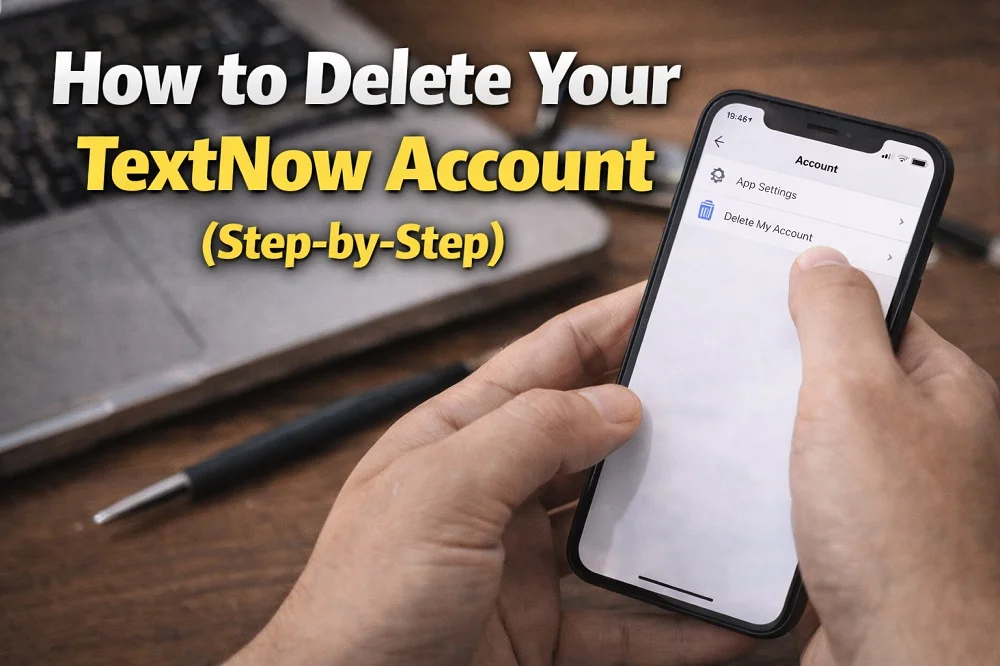
Deleting your TextNow account is something many users consider due to privacy concerns, switching to another service, or simply no longer needing the platform. As digital awareness grows, more people prefer to remove unused accounts and protect their personal data.
In this comprehensive guide, you will learn how to delete your TextNow account step by step, what to do before deleting it, and important things to keep in mind to avoid losing important information.
What Is TextNow?
TextNow is a popular communication app that allows users to send text messages and make calls over WiFi or mobile data. It provides a free phone number (mainly US or Canada-based) and is widely used as an alternative to traditional phone plans.
- Free texting and calling
- Virtual phone number
- Voicemail support
- Available on mobile and desktop
Despite its advantages, some users eventually decide to delete their accounts for various reasons.

Why You May Want to Delete Your TextNow Account
There are several common reasons why users choose to permanently remove their TextNow account:
- Privacy and data security concerns
- Too many spam messages or calls
- Switching to another communication app
- No longer using the service
- Reducing digital clutter and unused accounts
Regardless of your reason, deleting your account is a straightforward process if you follow the correct steps.
Important Things to Know Before Deleting Your TextNow Account
Before proceeding with the deletion process, it is important to understand that account deletion is permanent. Once your account is deleted:
- Your TextNow phone number will be permanently lost
- All messages, call logs, and voicemails will be erased
- You will not be able to recover your account
Tip: If you have important conversations or data, make sure to back them up before requesting deletion.
How to Delete Your TextNow Account (Step-by-Step)
Unlike many apps, TextNow does not offer a direct “Delete Account” button inside the app. Instead, you need to submit a request to their support team.
Step 1: Open the TextNow App
Launch the TextNow application on your device and make sure you are logged into your account. If you cannot log in, use the password reset option first.
Step 2: Go to Settings
Tap the menu icon (three lines) located in the top-left corner of the screen. From there, navigate to the Settings section.
Step 3: Check Your Account Information
Inside the settings menu, open the Account section and confirm your username and registered email address. You will need this information for the deletion request.
Step 4: Send a Deletion Request
To delete your account, send an email to support@textnow.com using the email address linked to your TextNow account.
Include the following details in your email:
- Your TextNow username
- Your registered email address
- A clear request stating that you want your account permanently deleted
Example:

“Hello, I would like to permanently delete my TextNow account. My username is [your username]. Please confirm once the account has been removed.”
Step 5: Wait for Confirmation
After submitting your request, the TextNow support team will review it and process your account deletion. This usually takes a few business days.
Once completed, you will receive a confirmation email stating that your account has been permanently removed.
Alternative Option: Stop Using the Account
If you are unsure about permanently deleting your account, you can simply stop using it. However, keep in mind that inactive accounts may still retain your data, which could be a concern for privacy-focused users.
How to Protect Your Privacy Before Deleting
Before deleting your account, consider taking these additional steps:
- Remove any personal information from your profile
- Delete conversations and call history manually
- Unlink any connected services or accounts
- Cancel any subscriptions if applicable
These steps help ensure that your personal data is minimized before account removal.
Frequently Asked Questions (FAQ)
Can I recover my TextNow account after deleting it?
No. Once your account is permanently deleted, it cannot be recovered. You would need to create a new account if you want to use TextNow again.
How long does it take to delete a TextNow account?
Typically, it takes a few business days after submitting your request to customer support.
Will my phone number be reused after deletion?
Yes. Once your account is deleted, your number may be reassigned to another user.
Is there a delete button inside the app?
No. TextNow does not provide a direct account deletion option within the app.
Can I delete my account without email access?
It may be difficult. You should contact support and verify your identity through other means if you no longer have access to your email.
Conclusion
Deleting your TextNow account is a simple but irreversible process that requires contacting customer support. Whether your goal is to protect your privacy, switch to another app, or clean up unused accounts, following the correct steps ensures a smooth experience.
Always remember to backup important data and review your account details before initiating the deletion process.
By taking control of your digital presence, you can maintain better privacy, security, and organization in your online life.