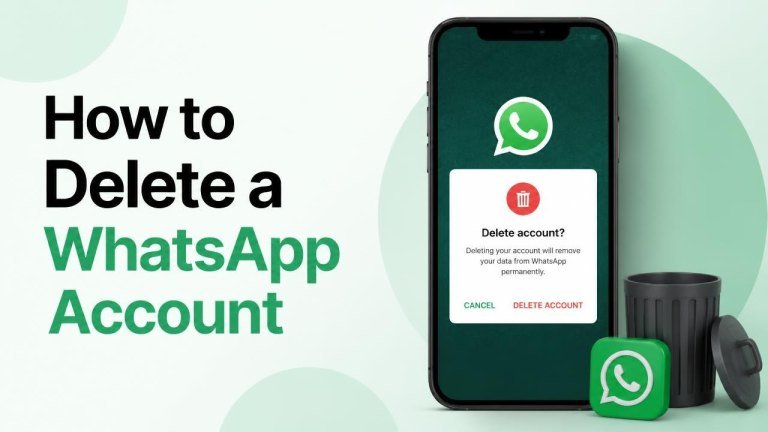
Deleting WhatsApp is a permanent decision, so it is worth understanding what happens before you confirm it. The process removes your account from WhatsApp, disconnects you from groups, and may affect access to your chat history. This guide explains how to delete a WhatsApp account safely on Android and iPhone.
What happens when you delete your WhatsApp account?
Account deletion is different from simply uninstalling the app. When you complete the process, your WhatsApp account is removed, you are taken out of groups, and your account information is deleted from the service according to WhatsApp’s processes. Messages already sent to other people may remain in their chats. The same distinction applies when you delete a Facebook account.
Your chat backups may also be affected, and you may lose access to your WhatsApp conversations on that account. If you might need important photos, documents, or messages later, save them before continuing.
Before deleting your WhatsApp account
A few simple checks can help prevent the loss of information you still need. Review your important conversations, export any valuable files, and make sure you have another way to contact people who currently rely on WhatsApp.

- Save photos, videos, documents, and other files you want to keep.
- Write down important phone numbers that are stored only in WhatsApp.
- Tell key contacts that your WhatsApp account will be deleted.
- Check whether you need information from any groups before leaving them.
- Confirm that you are deleting the correct account and phone number.
How to delete a WhatsApp account on Android
On Android, account deletion is managed from WhatsApp’s settings. Open the app and use the three-dot menu to reach Account settings, then select the delete account option.
- Open WhatsApp on your Android phone.
- Tap the three-dot menu in the upper-right corner.
- Choose Settings, then tap Account.
- Select Delete my account.
- Enter your phone number in the international format requested by WhatsApp.
- Choose a reason if prompted, then tap the confirmation button to delete the account.
Read the final warning carefully before confirming. Closing or uninstalling WhatsApp without completing these steps does not delete the account.
How to delete a WhatsApp account on iPhone
On an iPhone, the option is available through WhatsApp’s settings tab. The Settings tab, Account menu, and phone-number confirmation are the key parts of the process.
- Open WhatsApp on your iPhone.
- Tap Settings in the bottom menu.
- Open Account.
- Tap Delete My Account.
- Enter your phone number in the requested international format.
- Select a reason if asked, review the warning, and confirm the deletion.
Deleting WhatsApp versus uninstalling the app
Uninstalling WhatsApp only removes the application from your device. It does not necessarily remove your account, delete your group memberships, or stop people from seeing your existing profile information. To permanently leave the service, use the in-app account deletion tool rather than only removing the WhatsApp application, as you would when you delete a Reddit account.
If you are only taking a temporary break, uninstalling the app may be more suitable than permanent account deletion. You can also review notification and privacy settings before choosing an irreversible option.

Can you recover a deleted WhatsApp account?
Account deletion should be treated as permanent. After deleting it, you may be able to register WhatsApp again with the same phone number, but that creates a new account rather than restoring the old one. Your previous account, group memberships, and available chat history may not return.
For that reason, export or copy anything important before confirming deletion. A backup does not guarantee that a deleted account can be restored.
What to do after deleting your account
Once the account is deleted, remove the app if you no longer need it and update your contacts through another channel. Check connected services for any WhatsApp sign-ins, replace your contact method where necessary, and review any saved account information on your devices.
If you later decide to use WhatsApp again, install the official app and register with a phone number you control. Treat the new registration as a fresh start rather than assuming that old content will be available.
Frequently asked questions
Does deleting WhatsApp delete messages for everyone?
No. Deleting your account does not automatically remove every message from other people’s devices. Messages may remain in existing chats, so consider what you have shared before deleting your account, leaving groups, and losing access to your own chat history.
Can I delete my account if I cannot open WhatsApp?
The normal deletion process requires access to the app and the phone number associated with the account. If you cannot access WhatsApp, review the official support options and protect your phone number. Avoid giving verification codes to anyone claiming they can delete the account for you.
Should I delete my account if my phone was lost?
First, contact your mobile provider to block or replace the SIM associated with the number. Secure your device remotely if possible, change relevant passwords, and consider the lost phone, SIM security, and account access risks before deciding whether deletion is necessary.
Deleting a WhatsApp account is straightforward, but it cannot be undone in the same way as uninstalling an app. Save anything important, notify essential contacts, and confirm the phone number carefully before completing the final step. These precautions also matter when you delete your ChatGPT account.