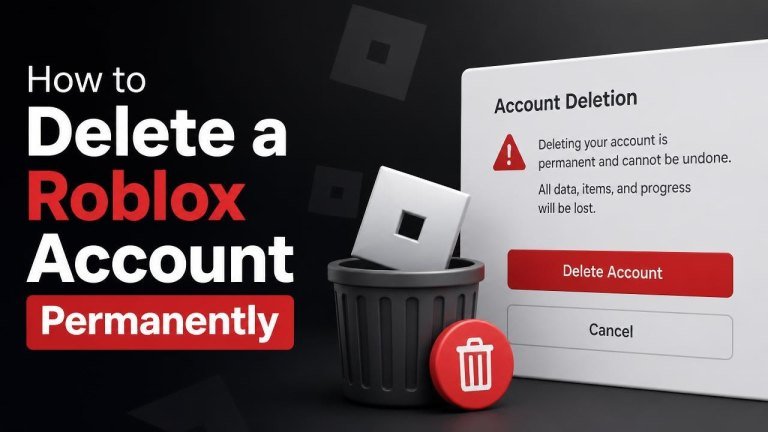
Deleting a Roblox account permanently is not the same as uninstalling the app or signing out. If you no longer want to use Roblox, you need to submit an account deletion request through Roblox’s official support or privacy channels and follow any verification instructions provided.
Before You Delete Your Roblox Account
Account deletion is a permanent decision that may remove your access to your profile, creations, messages, friends, and other account-related information. Before you begin, save anything you may need and review any active subscriptions or remaining Robux connected to the account.
Make sure you can still access the account email address. Roblox may need to confirm that you are the account owner before processing a deletion request. If the account belongs to a child, a parent or guardian may also need to be involved.
How to Request Permanent Roblox Account Deletion
Roblox generally handles permanent account deletion through its official support process rather than a simple delete button in the app. Use the Roblox Support website and submit a request under the option that most closely relates to privacy, personal data, or account access.
1. Open the Official Roblox Support Form
Go directly to the official Roblox Support page and complete the contact form. Avoid third-party websites that promise to delete your account or ask for your password, verification codes, or payment details.
2. Enter Accurate Account Details
Provide the account’s username, the email address associated with it, and your own contact information. If the form asks for a category, choose the option related to privacy or account deletion. Accurate details can help Roblox locate the correct account and verify ownership.
3. Write a Clear Deletion Request
In the description field, clearly state that you want your Roblox account and associated personal information deleted permanently. Include the account username and explain that you are requesting permanent account deletion, not a password reset, temporary break, or account deactivation.
Do not include your password, security codes, or unnecessary sensitive information. If Roblox needs additional verification, respond only through the official support conversation or email address.
4. Complete the Verification Process
Roblox may ask for additional information to confirm that you own the account. Follow the instructions carefully and provide only the requested verification details. Processing may take time, and support may contact you before completing the deletion request.
What Happens After You Submit the Request?
Keep an eye on your email for a response from Roblox Support. Until you receive confirmation, do not assume the account has been deleted. The account may remain accessible while Roblox reviews your request and checks the account owner information.
Permanent deletion can affect saved progress, avatars, creations, friends, messages, and other account content. Purchases, subscriptions, and virtual items may also be affected, so review those matters before submitting the request.
Some information may be retained when required for legal obligations, security, fraud prevention, or record-keeping. For a precise explanation of data handling, review Roblox’s current privacy documentation and any response provided by its support team.
Cancel Subscriptions and Review Payments
Deleting an account may not automatically cancel every subscription or payment arrangement managed through an external platform. Before requesting deletion, check the relevant Apple, Google Play, console, or other payment account and cancel recurring billing there when applicable.
Also review pending transactions and receipts. If you have a billing question, contact Roblox Support with the transaction information needed to identify the purchase, but never send payment credentials or full card details.
If You Cannot Access the Roblox Account
You can still contact Roblox Support if you cannot sign in. Explain that you want to request deletion but no longer have access to the account. Include the username, a previously linked email address if available, and any other non-sensitive information that may help verify ownership.
Do not create multiple conflicting tickets or send the same request repeatedly. A clear, complete request with accurate contact information is more useful than several incomplete submissions.
Alternatives to Permanent Deletion
If you only need a break, consider signing out, uninstalling the app, adjusting privacy settings, or limiting communication and spending features. You can also secure the account by changing the password and enabling available security protections.
These options are not permanent deletion, but they may be better if you might want to return later or need time to decide what should happen to your account content.
Final Checklist
- Confirm that you want permanent deletion, not temporary deactivation.
- Save any information or creations you are allowed to keep.
- Cancel relevant recurring subscriptions through the platform that bills you.
- Use only the official Roblox Support or privacy channels.
- Never share your password or security codes in a support request.
- Watch for a confirmation message after submitting the deletion request.
To delete a Roblox account permanently, submit a clear request through the official Roblox support or privacy process, verify ownership, and wait for confirmation. Because account deletion can affect content, purchases, subscriptions, and access, review these details carefully before taking the final step.