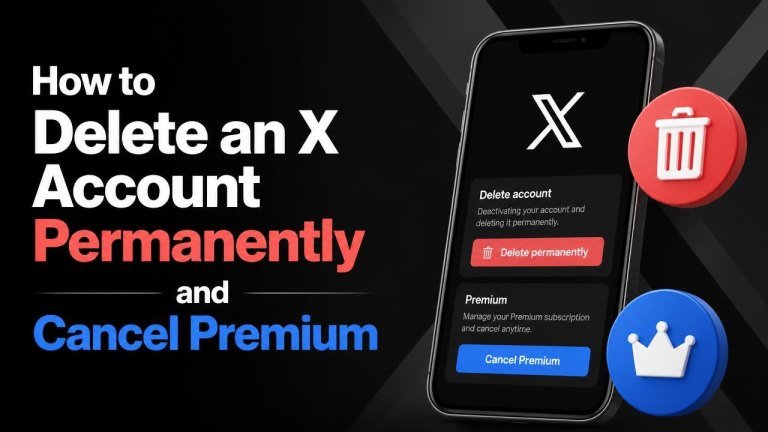
Deleting an X account permanently requires more than removing the app from your phone. You must first handle any paid subscription, review your account data, and deactivate the profile through X’s settings. This guide explains the process clearly and highlights the steps that can prevent unexpected charges or accidental loss of information.
Before deleting your X account
Before starting, check your login details, save any important content, and identify where your Premium subscription is billed. Deactivation begins the deletion process, but your account may remain recoverable for a limited period. If you sign in during that period, the deletion process may be interrupted.
Consider downloading a copy of your X data if you want to keep your posts, media, direct messages, or account history. Also review connected apps and services, especially those that use your X login, because deleting the account can affect access to them.
How to cancel X Premium
Cancel X Premium through the same service that processed the subscription. Deleting your account does not reliably cancel a subscription, so complete this step separately before deactivation.

Cancel Premium purchased on the X website
Sign in to X using a web browser and open the account or Premium settings. Find your subscription management options, select the cancellation option, and follow the on-screen instructions until you receive a confirmation. Keep the cancellation confirmation or a screenshot for your records.
Cancel Premium through an app store
If you subscribed through an Apple or Google app store, manage the subscription in that store rather than only inside X. On an iPhone or iPad, check your Apple Account subscriptions. On Android, open the Google Play subscription section. Select X Premium and choose Cancel subscription. Removing the X app is not the same as cancelling billing.
How to deactivate your X account
After cancelling Premium, sign in to X and open Settings and privacy. Go to the account management area, choose the option to deactivate your account, review the information shown, and confirm with your password or other requested verification.
Deactivation hides your profile and starts the account deletion process. Do not sign back in if you want the account to be deleted. Signing in during the available reactivation period can restore the account and stop permanent deletion.

How permanent deletion works
X generally provides a reactivation window after deactivation. Once that period ends without a login, the account is scheduled for permanent deletion. During this process, some information may remain in backups or be retained where required for legal, security, or operational reasons.
Permanent deletion may also affect posts, followers, messages, media, and access to services that rely on your X account. Account deletion is irreversible, so verify that you have saved anything you may need before confirming deactivation.
What to do if you cannot access the account
If you cannot sign in, recover access before attempting deletion. Use X’s account recovery options and check whether you still control the associated email address or phone number. If the account is compromised, secure the email account first and change reused passwords.
For billing problems, contact the platform that charged you. Apple and Google usually handle their own subscription billing, while web purchases may require assistance from X. Include billing records, the relevant account details, and the cancellation attempt when requesting help, but avoid sending your password.
Final deletion checklist
- Cancel X Premium through the website, Apple, or Google, depending on where you subscribed.
- Download any data you want to keep.
- Review apps and services connected to your X login.
- Deactivate the account from X account settings.
- Do not sign in during the reactivation period.
- Save cancellation emails and other confirmation records.
Frequently asked questions
Will deleting the X app delete my account?
No. Removing the app only removes it from your device. You must use the account settings to deactivate the profile and begin deletion.
Will deactivation stop X Premium charges?
Do not assume it will. Cancel the subscription separately through the original billing provider and look for a cancellation confirmation.
Can I recover the account after deactivation?
Usually, you can reactivate an account during the available reactivation period by signing in. After permanent deletion, recovery is generally not possible, so protect your saved data before you begin.