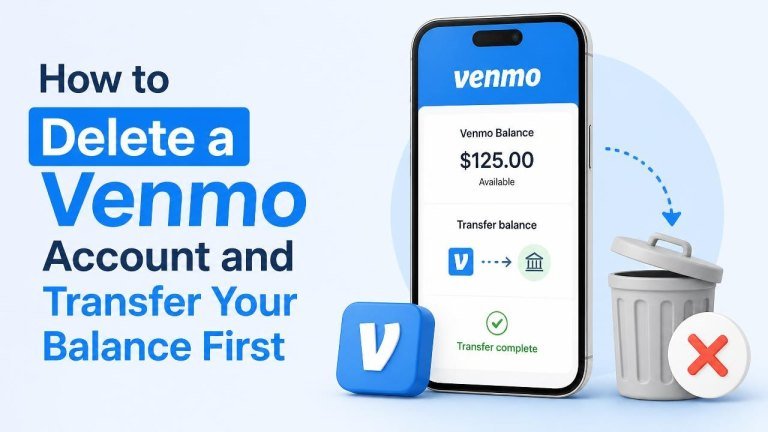
Before deleting your Venmo account, make sure your money has been transferred out and your account is ready to close. Venmo generally requires you to address any remaining balance, pending transactions, or unresolved issues before account closure can be completed.
What to Do Before Deleting Your Venmo Account
Account deletion is easier when you complete a few important checks first. Confirm your available balance, review pending transactions, and save any records you may need later.
- Check your Venmo balance and identify any funds that need to be moved.
- Review recent payments, transfers, refunds, and payment requests.
- Wait for pending transactions to finish or resolve them before closing the account.
- Download or save statements and transaction details for your personal records.
- Make sure you know how you will receive any eligible refunds or future credits.
- Contact Venmo Support if your account has a limitation, dispute, or unresolved payment.
How to Transfer Your Venmo Balance to Your Bank
Move your remaining funds to a linked bank account or eligible debit card before requesting account closure. Select the Transfer Money option in the Venmo app, enter the amount, choose your destination account, and review the transfer details before confirming.
- Open Venmo and sign in.
- Go to your account balance or the transfer section.
- Choose the option to transfer money to a bank or eligible debit card.
- Enter the amount you want to transfer.
- Select the linked destination and carefully review the information.
- Submit the transfer and keep the confirmation for your records.
Transfer timing can vary depending on the method you select and your financial institution. Do not delete the account until the transfer has been completed or you have confirmed that no balance remains.

Check That the Transfer Is Complete
Look for a zero Venmo balance and verify that the funds reached your bank account or debit card. If the transfer is still pending, keep the account open until the transaction has finished and any related issue is resolved.
How to Delete Your Venmo Account
Once your balance is cleared, sign in to Venmo and open the account settings. Look for the account closure or deletion option, review the closure instructions, and confirm that you understand the effect of permanently closing the account. Complete the final confirmation only after checking your transaction history and pending activity.

- Sign in to the Venmo app or website.
- Open Settings or your account profile menu.
- Find the account closure or deletion option.
- Review any warnings, requirements, or confirmation details shown on screen.
- Confirm that your balance is empty and that no transactions remain pending.
- Follow the prompts to complete the account deletion request.
App menus can change, so use the current instructions displayed in your Venmo account. If you cannot find the option or the request is blocked, contact Venmo Support through an official channel.
What Happens After You Close the Account?
After closure, you may lose access to the account and its normal features. Keep saved statements, confirmation emails, and important payment information before deleting the account, especially if you may need to document a transaction later.
Closing Venmo does not necessarily cancel obligations connected with a bank, debit card, merchant, dispute, or separate financial service. Resolve those matters independently and monitor your linked financial accounts for expected refunds or transfers.
Common Problems When Deleting Venmo
Some accounts cannot be closed immediately because of a pending payment, negative balance, or account limitation. Review the message Venmo provides and follow the requested steps instead of repeatedly submitting the deletion request.
- Pending transfer: Wait for the transfer to complete or contact Support if it remains pending unusually long.
- Remaining balance: Transfer the funds out before attempting closure again.
- Negative balance: Resolve the amount owed according to Venmo’s instructions.
- Dispute or chargeback: Allow the issue to be handled before closing the account.
- Access problem: Recover access through official Venmo support rather than using an unofficial service.
Final Checklist Before Account Deletion
Use this short checklist to confirm that your account is ready for closure. Verify your balance is zero, your transfers are complete, and your records are saved.
- All available funds have been transferred.
- No payments, refunds, or transfers are pending.
- Statements and transaction records have been saved.
- Account limitations, disputes, and negative balances have been resolved.
- You have confirmed the account deletion through the official Venmo process.
Transferring your balance first is the safest way to prepare for Venmo account deletion. Once your funds and transaction activity are settled, follow the current account settings instructions and retain confirmation of the closure.