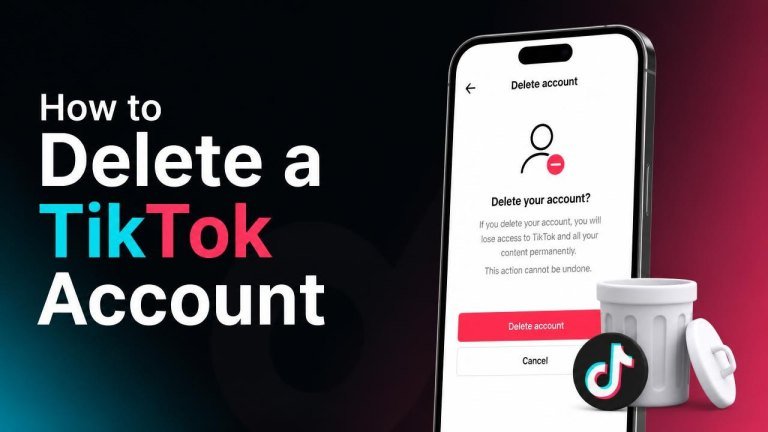
Before deleting TikTok, take a moment to decide whether you want to remove your account permanently or simply take a break. Deletion can affect your videos, profile information, messages, followers, and access to account-related features.
Before You Delete Your TikTok Account
Preparing first can help you avoid losing information you may want later. Consider downloading your data, checking connected services, and saving any videos or drafts that matter to you.
- Save important videos and copies of content you created.
- Request a copy of your TikTok data if you want to keep account information for your records.
- Review any linked accounts or third-party services that use TikTok to sign in.
- Cancel subscriptions or manage purchases separately through the relevant app store or service.
Drafts may be stored locally on your device rather than in the cloud, so deleting the app or changing devices could remove them. Check your drafts before continuing.
How to Delete a TikTok Account in the App
You can usually start the process from TikTok’s account settings. Menu names may vary slightly by app version, but the general path is similar.

- Open TikTok and sign in to the account you want to remove.
- Tap Profile at the bottom of the screen.
- Open the menu in the upper-right corner, then select Settings and privacy.
- Choose Account, then look for an option such as Deactivate or delete account.
- Select the option to delete the account permanently and follow the on-screen instructions.
- Complete any requested verification, such as entering a code or confirming your password.
- Review the final notice and confirm your deletion request.
If you cannot find the deletion option, update the TikTok app, check that you are signed in to the correct account, and search the in-app Help Center for the latest account-management instructions.
What Happens After You Request Deletion?
TikTok may place an account into a temporary deactivation period before permanent removal. During this period, signing back in may allow you to cancel the request, depending on TikTok’s current process and the status of your account.
After the applicable period ends, your profile and content may no longer be recoverable. Deleting the app from your phone does not delete your account, and logging out only removes the account from that device.
Keep in mind that copies of content shared by other users, messages already received, or information retained for legal or safety reasons may not be affected in exactly the same way as your profile.
How to Deactivate TikTok Instead
If you are unsure about permanent deletion, deactivation can provide a reversible break from the platform. In TikTok’s account settings, open the account-management area and select the available deactivation option instead of deletion.

Deactivation may hide your profile and content while preserving the possibility of returning later. Read the confirmation screen carefully because the available options, visibility rules, and reactivation process can change.
What to Do If You Cannot Delete Your Account
Account deletion can fail when verification details are unavailable, the app is outdated, or you are using the wrong login method. Check your email address or phone number, confirm your password, and try the process again from a current version of the app.
- Make sure you have a stable internet connection.
- Try signing in with the same method used when the account was created.
- Check whether a verification code was sent to your registered contact method.
- Use TikTok’s in-app support or Help Center if the account remains inaccessible.
If you believe someone else has accessed the account, secure it first by changing the password and reviewing logged-in devices before submitting a deletion request.
Frequently Asked Questions
Does deleting the TikTok app delete my account?
No. Removing the app only deletes the app from your device. To remove your account, use the account settings and complete the deletion confirmation process.
Can I recover a deleted TikTok account?
Recovery may be possible during TikTok’s deactivation window if you sign in and cancel the request. Once the account is permanently deleted, recovery may not be possible, so download anything important first.
Will my TikTok videos disappear immediately?
Your profile and content may be hidden during the deletion process, but permanent removal may take time. The final confirmation screen and TikTok’s current account terms provide the most specific information for your account.
Final Checklist Before Deleting TikTok
Before confirming, review this short deletion checklist:
- Download any important personal data.
- Save videos, drafts, and other content you want to keep.
- Check connected accounts and subscriptions.
- Confirm that you are deleting the correct TikTok account.
- Choose deactivation instead if you may want to return.
Once you are certain, follow the in-app account settings to submit the deletion request and complete all required verification steps.