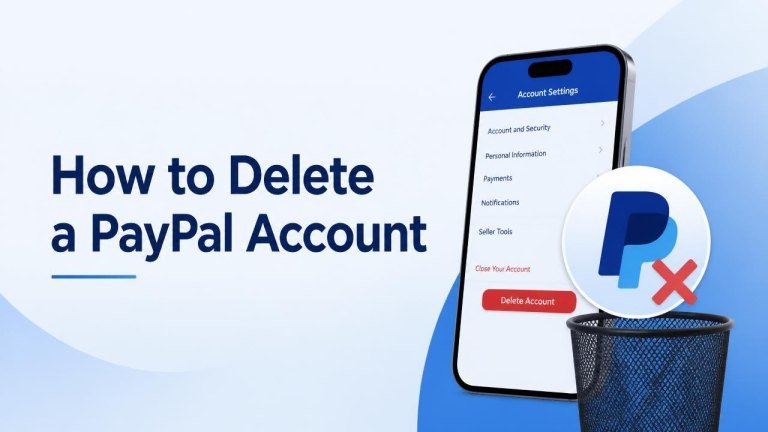
Deleting a PayPal account is usually straightforward, but it is worth completing a few checks before closing it. You should settle your balance, resolve open issues, save important records, and remove payment methods you may want to use in another payment account.
Before You Delete Your PayPal Account
Before starting, check your available balance, pending transactions, and open disputes. Your account may not be eligible for closure while money is remaining, a payment is processing, or a limitation or claim needs attention.
Download or save any transaction history, receipts, tax-related records, or other information you may need later. Also review Netflix subscriptions and recurring payments connected to PayPal, because closing your account does not necessarily cancel agreements with individual merchants.
How to Delete a PayPal Account
PayPal’s menu names and layout may vary slightly by region or device, but the general process is similar:
- Sign in to PayPal through the official website.
- Open Settings or your account preferences.
- Look for the Account options or account information section.
- Select the option to close your account.
- Review any warnings or requirements shown on screen.
- Confirm the closure when you are ready.
If the closure option is unavailable, check whether you have a remaining balance, pending activity, or an unresolved account issue. PayPal may require you to address these items before allowing the account to close.
Can You Delete an Account in the PayPal App?
The option to close an account may not appear in every version of the mobile app. If you cannot find it, use a web browser and sign in directly through PayPal’s official website. Avoid links in unexpected messages and confirm that you are using the correct PayPal domain before entering your login details.
What to Do Before Closing the Account
Take care of any automatic payments, Spotify subscriptions, and linked services first. Visit the billing settings for each merchant and choose another payment method where necessary. This helps prevent future payment failures or interruptions.

You should also remove bank accounts or cards if you prefer not to leave them connected during the closure process. Keep copies of important statements and note any transactions that are still pending.
What Happens After Account Closure?
After closure, you generally will not be able to sign in to that PayPal account or access its normal features. Keep your confirmation email, saved records, and transaction documents in a secure place in case you need to verify past payments.
Closing an account may not erase information that PayPal must retain for legal, regulatory, fraud-prevention, or dispute-resolution purposes. If you need clarification about personal data or records, contact PayPal through its official help or privacy channels.
Why You May Not Be Able to Close the Account
PayPal may prevent closure when there is a negative balance, pending payment, limitation, unresolved dispute, or another outstanding obligation. Review the notifications in your account and follow the instructions provided.
If you believe everything has been resolved but the account still cannot be closed, contact PayPal support through the official website. Do not share your password, full card number, or security codes with anyone claiming to provide account assistance.
Closing a PayPal Account Safely
The safest approach is to plan the closure rather than selecting the option immediately. Confirm your balance is cleared, cancel recurring payments, save important records, and use only PayPal’s official website or app.
Once those steps are complete, account closure should be a simple process. If you may use PayPal again later, remember that creating a new account may not restore access to the history or settings associated with the closed account.