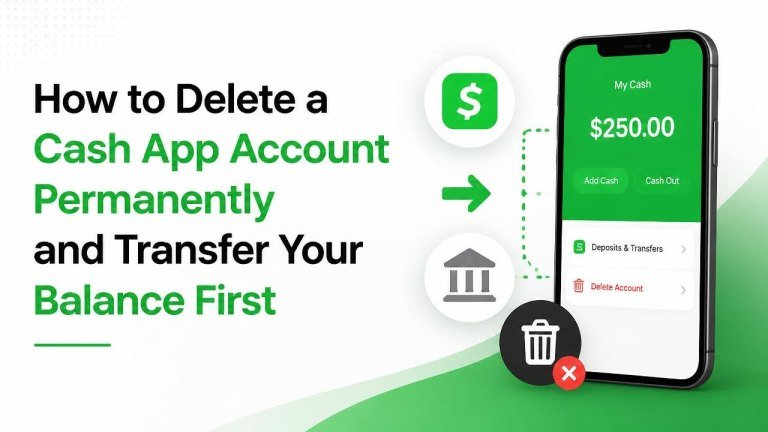
Closing a Cash App account is straightforward when you prepare first. Before you delete it, make sure your balance is transferred, pending activity is resolved, and any records you may need are saved.
Before deleting your Cash App account
Start by reviewing your account for any available balance, pending payments, and linked financial accounts. You may also want to save transaction details for budgeting, taxes, refunds, or customer-service records.
If you use Cash App for investments, cryptocurrency, direct deposit, or recurring payments, handle those services before closing the account. Account features and menu labels can change, so use the current options shown in your app.
Transfer your Cash App balance first
To move money out of Cash App, open the app and look for the option to transfer or cash out your available balance. Select a linked bank account or eligible debit card, enter the amount, review the destination, and confirm the transfer while taking steps to protect wallet funds.

Depending on the transfer method available to you, the money may not arrive immediately. Do not close the account until the transfer shows as completed in Cash App and appears in the destination account. If your balance includes funds that are unavailable for transfer, contact Cash App Support before proceeding.
Check for pending transactions
Review recent activity for pending payments, unresolved refunds, and scheduled deposits. A pending transaction may need to finish, be canceled, or be addressed with the recipient or merchant before you close the account.
Keep confirmation details for important transfers, including the transaction date, recipient, and amount. Never send money to another person merely to empty the account unless you have independently confirmed the recipient and purpose.
Handle investments and other Cash App services
If you use Cash App for stocks or bitcoin, review those holdings separately. You may need to sell or transfer assets, wait for a transaction to settle, or contact support for guidance before account closure.
Also review direct deposit, recurring payments, linked cards, and subscriptions. Update your payment or deposit information with employers, merchants, and service providers before deleting the account.

Download or save your account records
Before closing the account, save any payment confirmations, bank statements, and support conversations you may need later. If Cash App provides a way to request or download account data, follow the instructions displayed in the app or its official help center.
Keep records in a secure location. Account closure may affect your ability to review your transaction history through the app, even though financial institutions or merchants may retain their own records.
How to delete your Cash App account
Once your balance is transferred and your activity is settled, open Cash App and go to your profile or account settings. Find the section for privacy or account controls, then choose the option to close, deactivate, or delete your account. Follow the confirmation steps shown on screen.
The exact menu names may vary by app version or region. If you cannot find the account-closure option, use the official Cash App support channel inside the app or through the official Cash App website. Be prepared to verify your identity and explain that you want to permanently close the account.
Confirm that the account is closed
After requesting closure, look for a confirmation message or email and avoid signing back in unless support instructs you to do so. If you continue receiving notices, contact official support and ask whether the account is fully closed or still awaiting action.
Do not share your sign-in code, password, card details, or other sensitive information with anyone claiming to help outside official Cash App support.
What to do if you cannot transfer the balance
If a transfer fails, check that the destination account information is correct and that the receiving account is active. Review any error message, but do not repeatedly submit transfers without understanding the issue.
For a failed cash-out, restricted account, or balance you cannot access, contact Cash App Support through an official channel. Include relevant transaction details, but never provide more information than necessary to verify ownership.
Final account-closure checklist
- Transfer the entire available balance to a verified destination.
- Resolve pending payments, refunds, and deposits.
- Handle stocks, bitcoin, direct deposit, and recurring payments.
- Save important transaction records and support information.
- Use the app’s official account-closure settings or contact Cash App Support.
- Confirm that the account is closed and watch for follow-up notices.
Taking these steps in order helps protect your money, preserve useful records, and reduce the chance of complications after your Cash App account is permanently closed.